
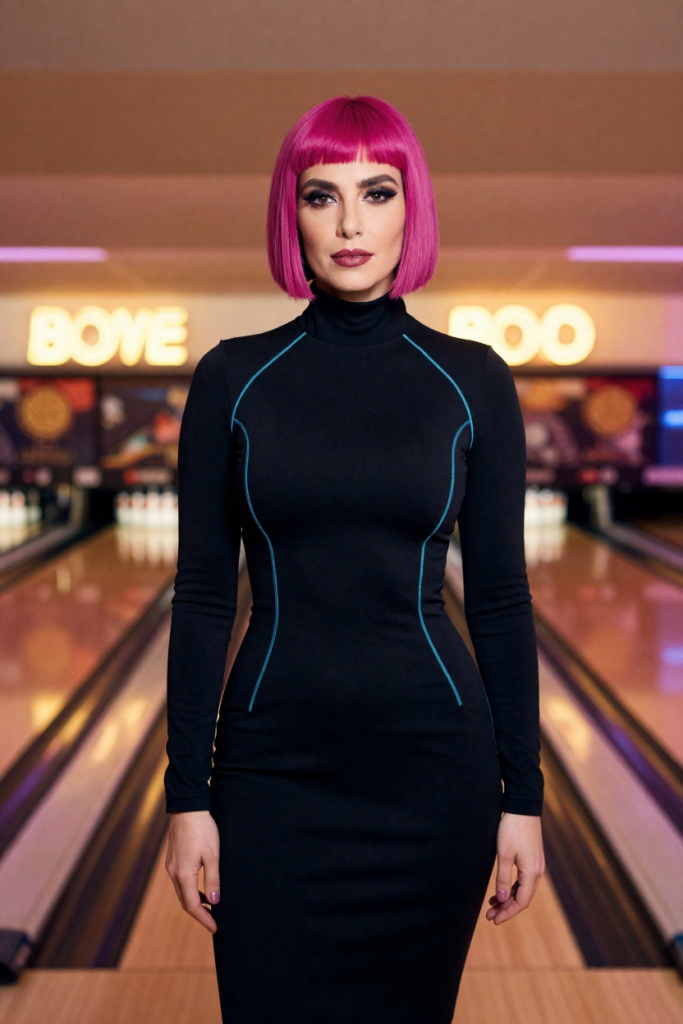
Creators usually meet video generation backwards: brief a scene in text, roll the expensive dice, and accept whatever character the render invents. The portraits on the profile then have to compete with a stranger’s clip. Keyframe-first inverts the order. The portrait is produced first — on-character, on-grade, already culled — and video becomes a motion pass over a frame you have already approved. It is the difference between speedrunning a render and playing a planned run.
The workflow, step by step
1. Produce the hero portrait as a first frame. Compose with motion in mind: subject placed with room to move, a clear direction to turn or walk, background interest that rewards a few seconds of looking. A portrait composed as a poster makes a cramped keyframe; leave the frame somewhere to go.
2. Brief one motion. The motion line is a stage direction, not a plot: “turns slowly toward the neon light and smiles.” One subject motion, camera steady. Every additional moving element multiplies the ways a render can smear, and short teasers are read in a glance anyway.
3. Render at the destination’s spec. Video pricing scales with duration and resolution, so decide where the clip lives before rendering it. A feed teaser and a store hero are different specs; rendering maximum everything “for safety” is how budgets quietly double.
4. Judge it as a clip, not as frames. Watch at full speed, twice: once for the character (does she stay herself through the motion?) and once for the joins (hands, hair, background edges at the turn). A teaser that survives both passes joins the set; one that fails gets a new motion line, not a re-roll of the same one.
Why this is cheaper
The expensive mistakes in video are character mistakes, and keyframe-first moves them to the 6-credit portrait stage — or to the free daily check-in frame — where they cost a fraction to fix. By the time a render is priced in video credits, the only open question is motion, which is the question video models are actually good at answering.